Site Owners
Pilots
Download our app below to start discovering new landing sites




Helipaddy’s aviation checklist generator is a bit different to other checklist apps. Every checklist is (and should be) unique to you because the equipment varies across the same aircraft types. Since PDF’s are difficult to edit, we take your CSV of item/actions, and generate a smart looking checklist which you can laminate. We provide a few sample CSV’s that you can download and edit.
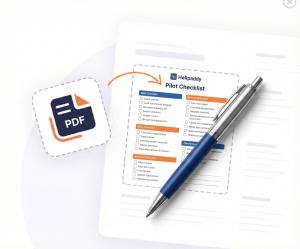
How to use: set the style column in your CSV to apply emphasis to specific checklist rows. Leave it blank for normal text, or set it to warning or caution to render the row in a coloured highlight (red for warnings, amber for cautions). The value is case-insensitive and can be combined with any item/action text; it only changes the text colour, not the layout or ordering.
When ready, upload the CSV below and click generate and you will find the PDF in your downloads folder.
Helipaddy Premium users can generate unlimited rows. Login here to unlock.
Download a CSV template to get started


