Site Owners
Pilots
Download our app below to start discovering new landing sites




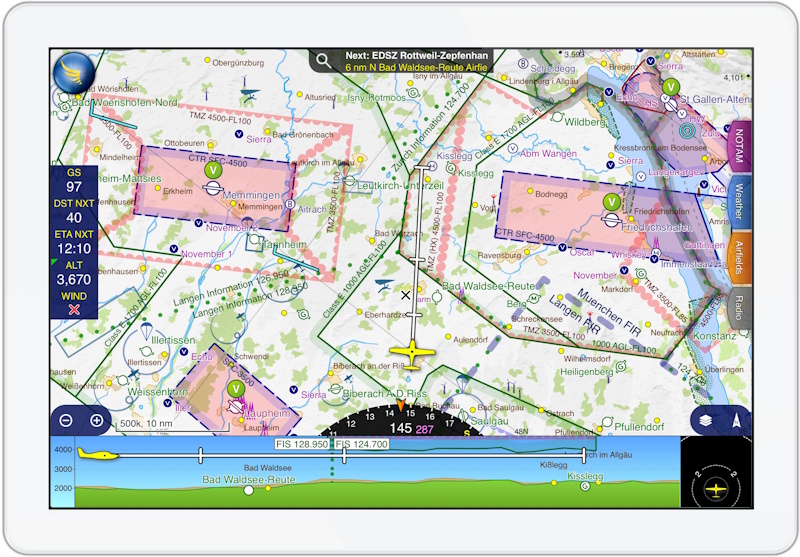
You can export your landings and favourite pads to GPX format for use with SkyDemon, ForeFlight, Garmin Pilot, and other compatible Electronic Flight Bags (EFBs).
You can manage your pads via the Helipaddy Pilot Profile.



Good news: you can store rich detailed site information on all of your private SkyDemon waypoints in Helipaddy! Then you can just export them to SkyDemon as you need, and not lose any data. If you use Garmin avionics too, then you only need to store a master copy of your waypoints in one place. See the video explainer here. We interface with SkyDemon in two ways:
To plot your route to a Helipaddy pad in SkyDemon:
Your route from your current position is plotted in SkyDemon and the waypoint is labelled!
To view Helipaddy pads as waypoints in SkyDemon:
This is not automated nor approved by SkyDemon but is an effective workaround for those that tend to use the iPhone, iPad, or Android for navigation.
.gpx file to your device (e.g. helipaddy-landings-20231025.gpx).Your Helipaddy pads are now visible on all your SkyDemon devices!
Keep an eye on this space – soon you will be able to view your Helipaddy Trips as routes in SkyDemon!


