Site Owners
Pilots
Download our app below to start discovering new landing sites




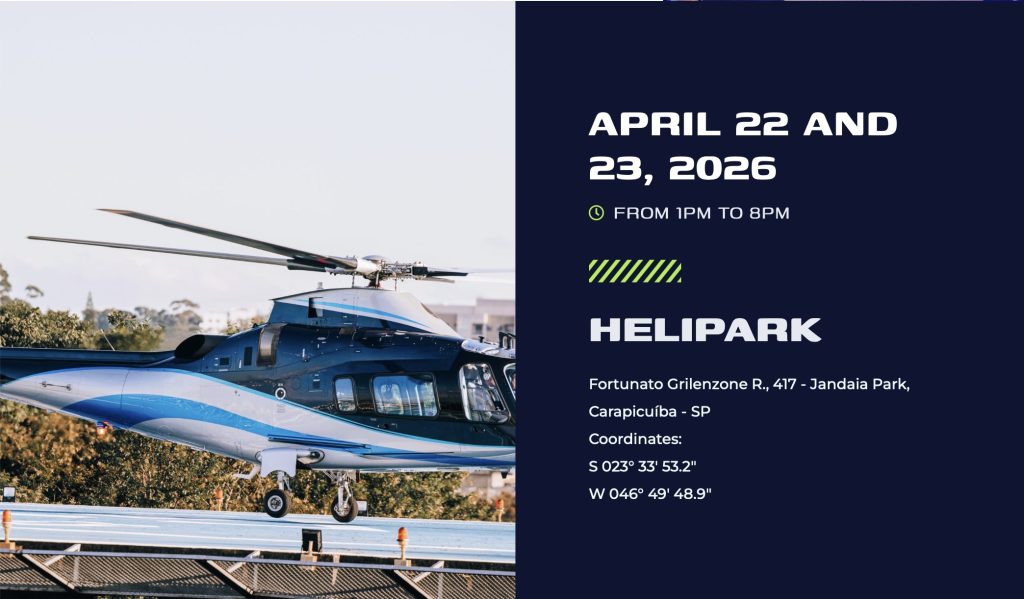
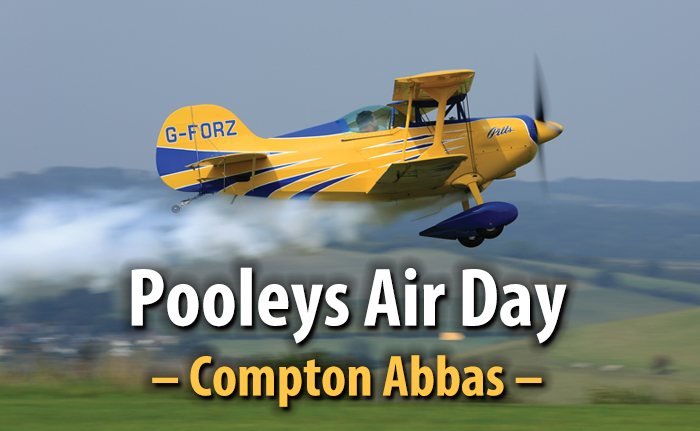
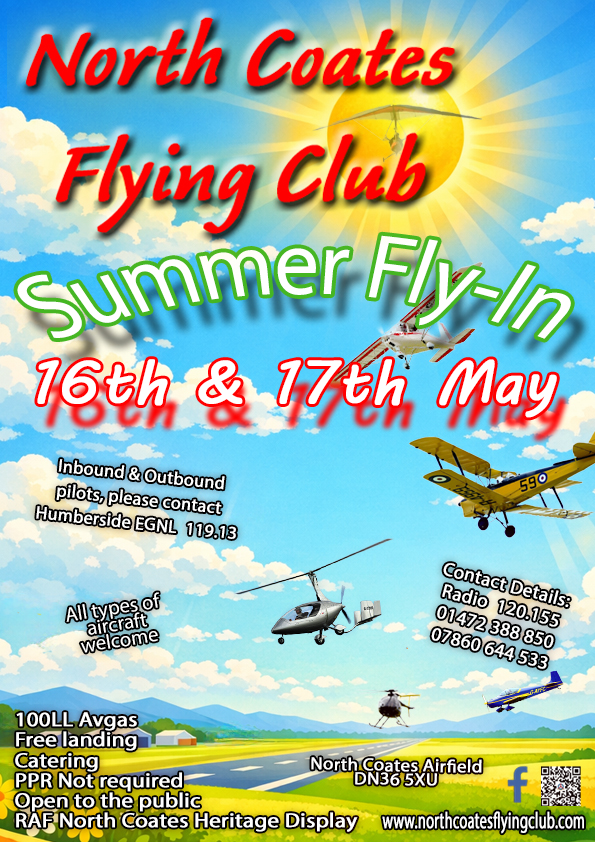
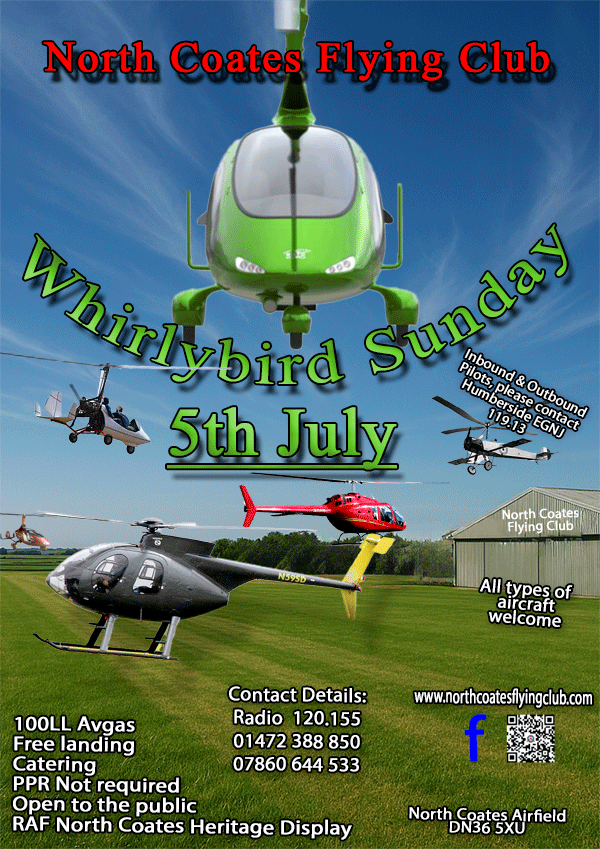
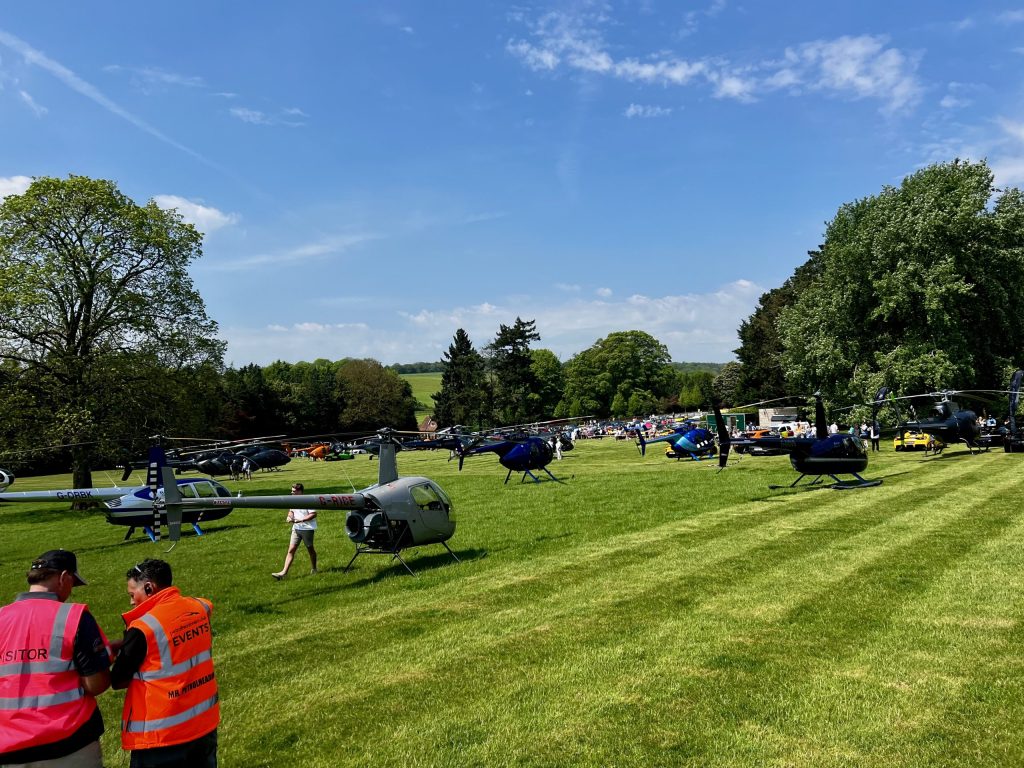
Click on any image below to view the fly-in details. Easily add your fly-in using the form at the bottom.
“I do like the idea behind this, as it gives us an idea of expected activity and gives the event more publicity.” – UK Airfield Owner.
As the organiser, start in draft mode so you do not publish anything by accident.
Pilot experience: If you use the Helipaddy tool, pilots book a slot or ETA, can be required to upload insurance PDF, may need to download your special instructions PDF before submit, receive a request-received email when approval is required (or immediate confirmation when not required), with calendar attachment and your instructions PDF when configured, and can cancel via email link. If you use an external link, pilots go straight to your event page instead.
These options let you fine-tune the booking experience. Most are hidden unless you choose the Helipaddy Fly-In tool.
Tip: Keep Published off until you have verified the image, dates, and event details URL. You can edit everything while unpublished, then publish when ready to share.